01
INVENTORY LISTS
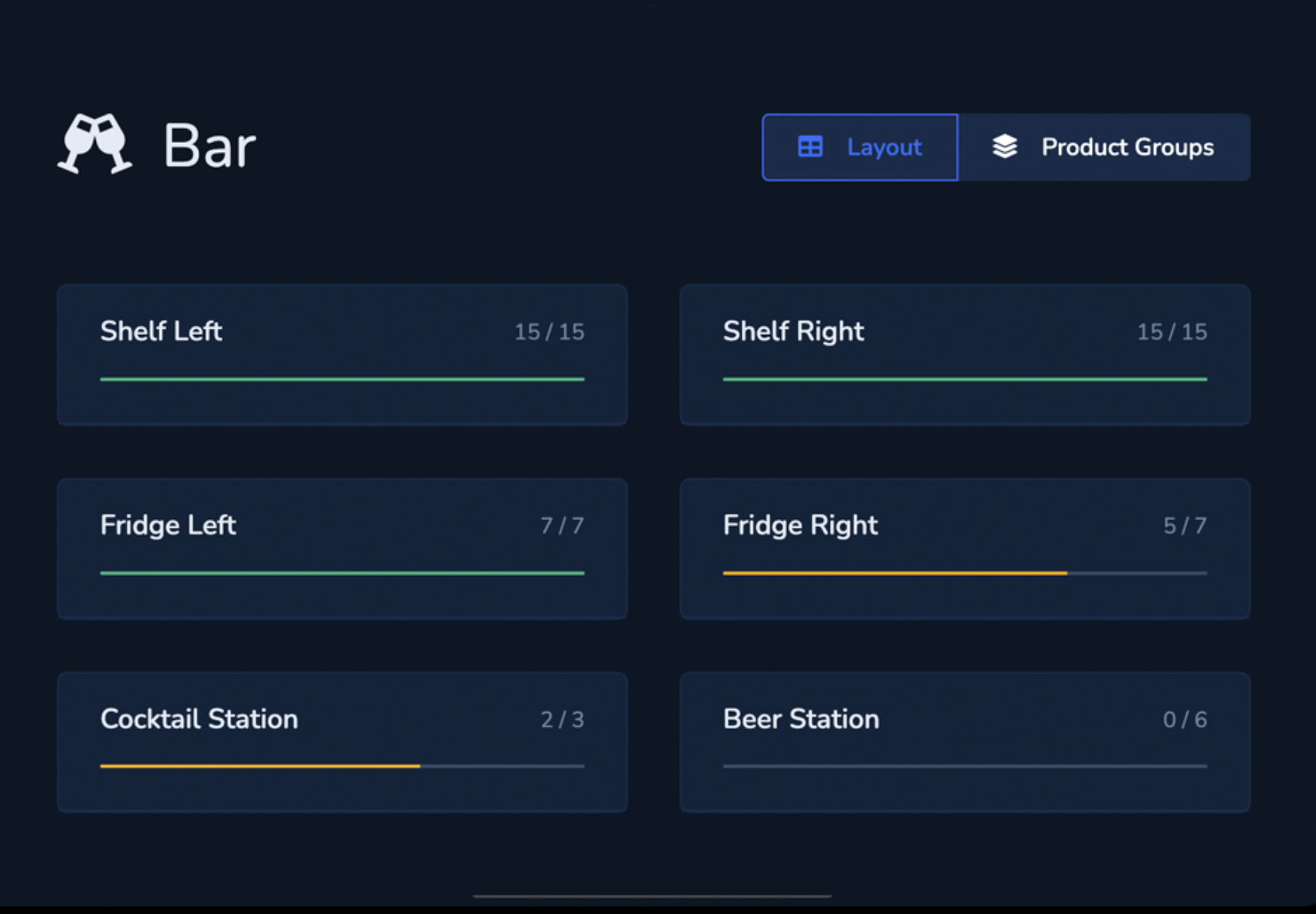
Count items in the order they actually appear.
Map storage, bar, kitchen or other areas as they are organised on site. Arrange items in the right order and avoid unnecessary searching.

INVENTORY
Carry out stocktakes directly in the storeroom, at the bar or in the kitchen. Stock is recorded digitally and evaluated immediately after completion.
DIGITAL INVENTORY
IN THE PRODUCT
INVENTORY LISTS
Map storage, bar, kitchen or other areas as they are organised on site. Arrange items in the right order and avoid unnecessary searching.
COUNT QUICKLY
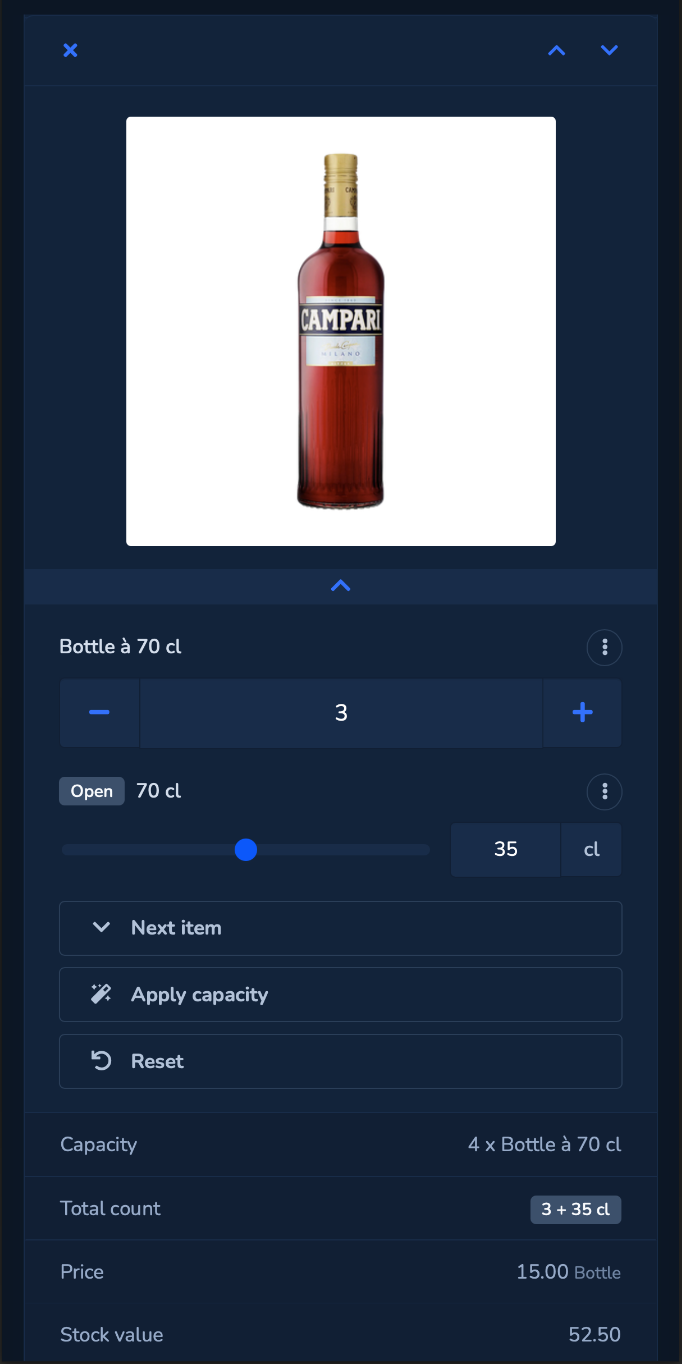
Record full units just as easily as open bottles or other partial quantities. Store capacities and use them directly while counting. Save your progress and continue counting later.
INVENTORY REPORT
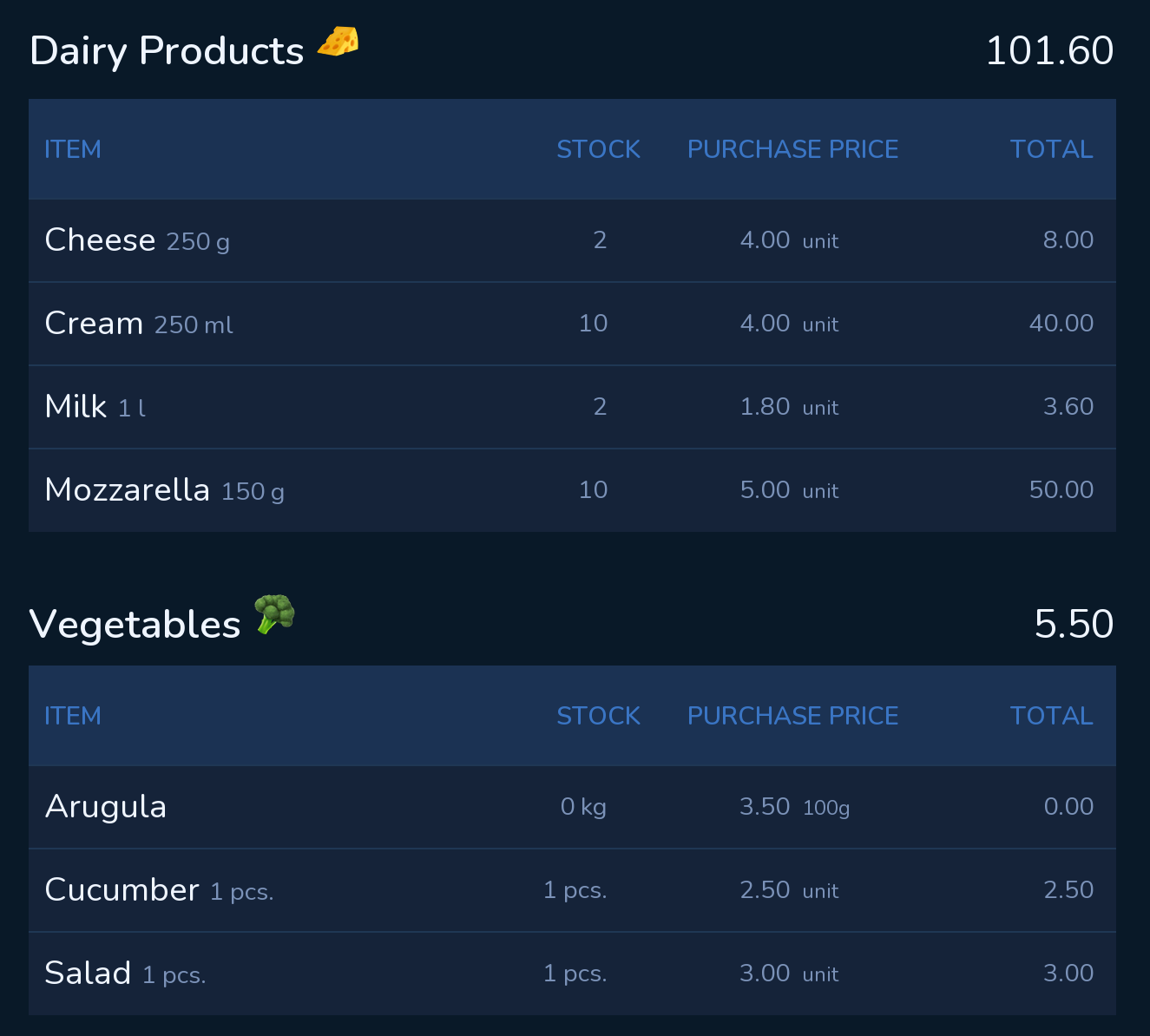
After completion, YBM Inventory automatically creates your inventory report. Stock values, quantities and variances are ready for evaluation without additional rework.
OPERATIONAL DATA
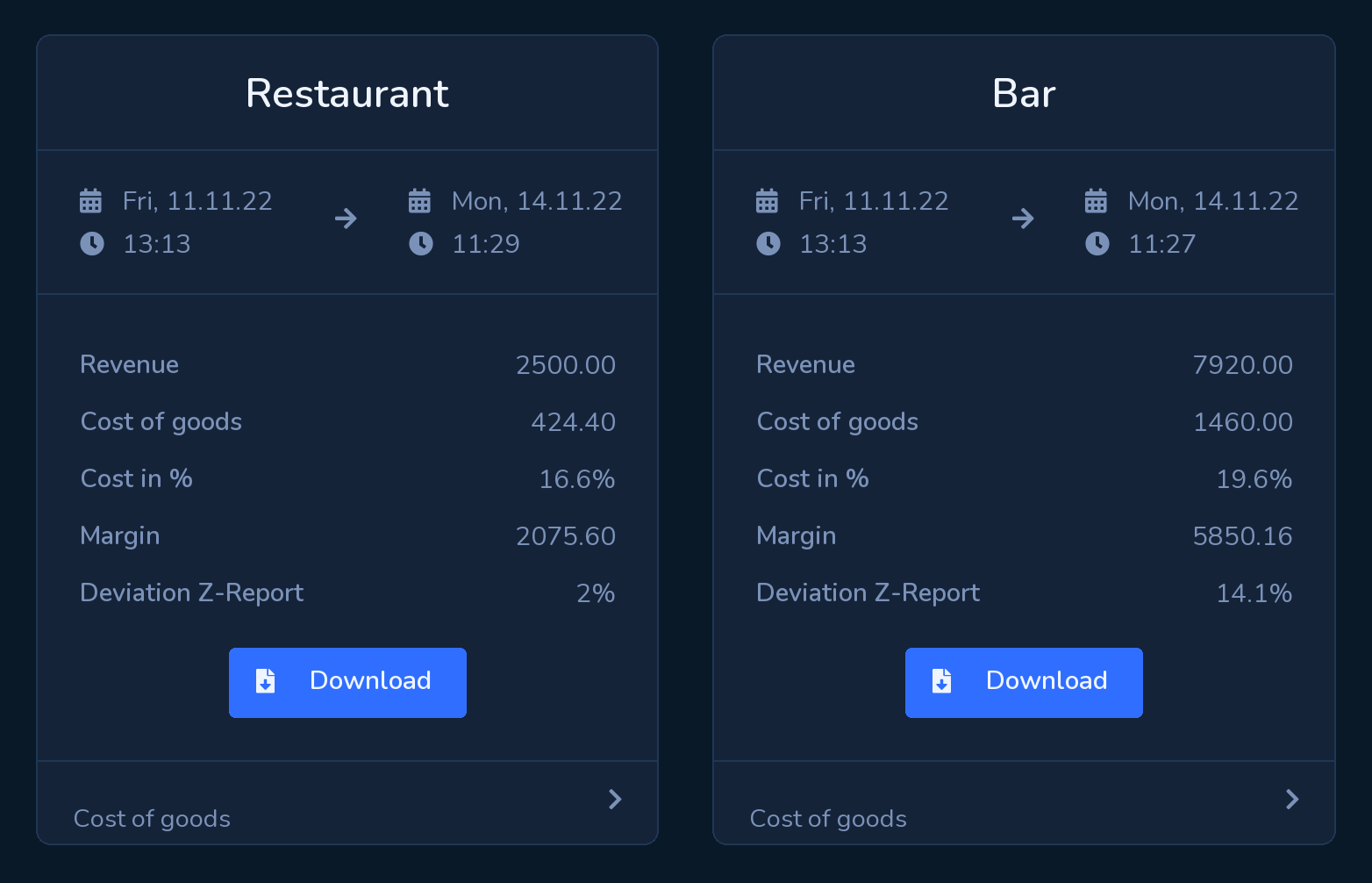
Connect inventory data with your orders and gain additional figures on your cost of goods.
INTEGRATED WORKFLOWS
Items and prices from purchasing are also available for your inventory. This keeps you working from the same data and avoids maintaining information more than once.
Order from your existing suppliers directly in one app. Catalogues, orders and delivery dates are all kept together in one central place.
Organise internal stock movements between storage, production and locations directly in YourBarMate.
Link your purchased items to your recipes and calculate costs and margins based on current prices.
YBM Inventory
In a personal demo, we show you how to record inventory more easily and evaluate results directly.